Customers & Prices
Customers
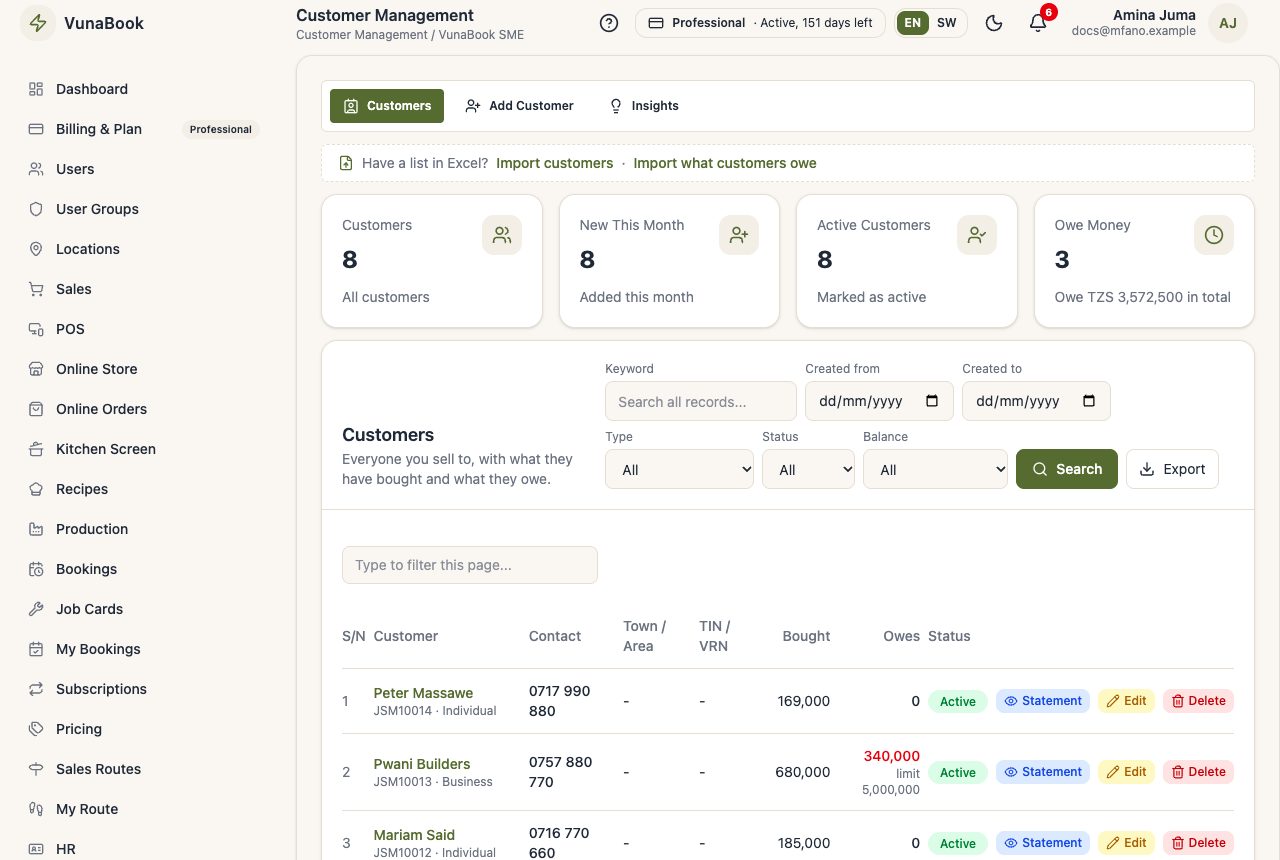
Your customers, what they bought and owe, their statements and credit limits.
Last updated 23 Oct 2026
Add a customer
Customers → Add Customer: name, phone, email, type (individual or business), TIN and VRN (printed on invoices), area and a credit limit. You can also add a customer while making a sale, or import them from Excel.
Confirm a customer's email
Emails go to a customer (for example "your defect is fixed") only after the customer confirms their address. In the customer list, press Send email confirmation under the email: the customer gets a link, opens it, and the list shows confirmed. Ask the customer first that the address is right.
A customer's page
What they bought, what they paid, what they still owe, their loyalty points and store credit.
Statements
Print or share a statement for a period: every sale and payment and the balance owed.
Credit limit
A sale on credit that goes above the customer's limit is stopped (or needs a manager, depending on your settings).
Insights
Best customers, new customers this month, and who owes the most.