Stock
Stock Transfers
Move stock from one location to another, and receive it at the other end.
Last updated 29 Oct 2026
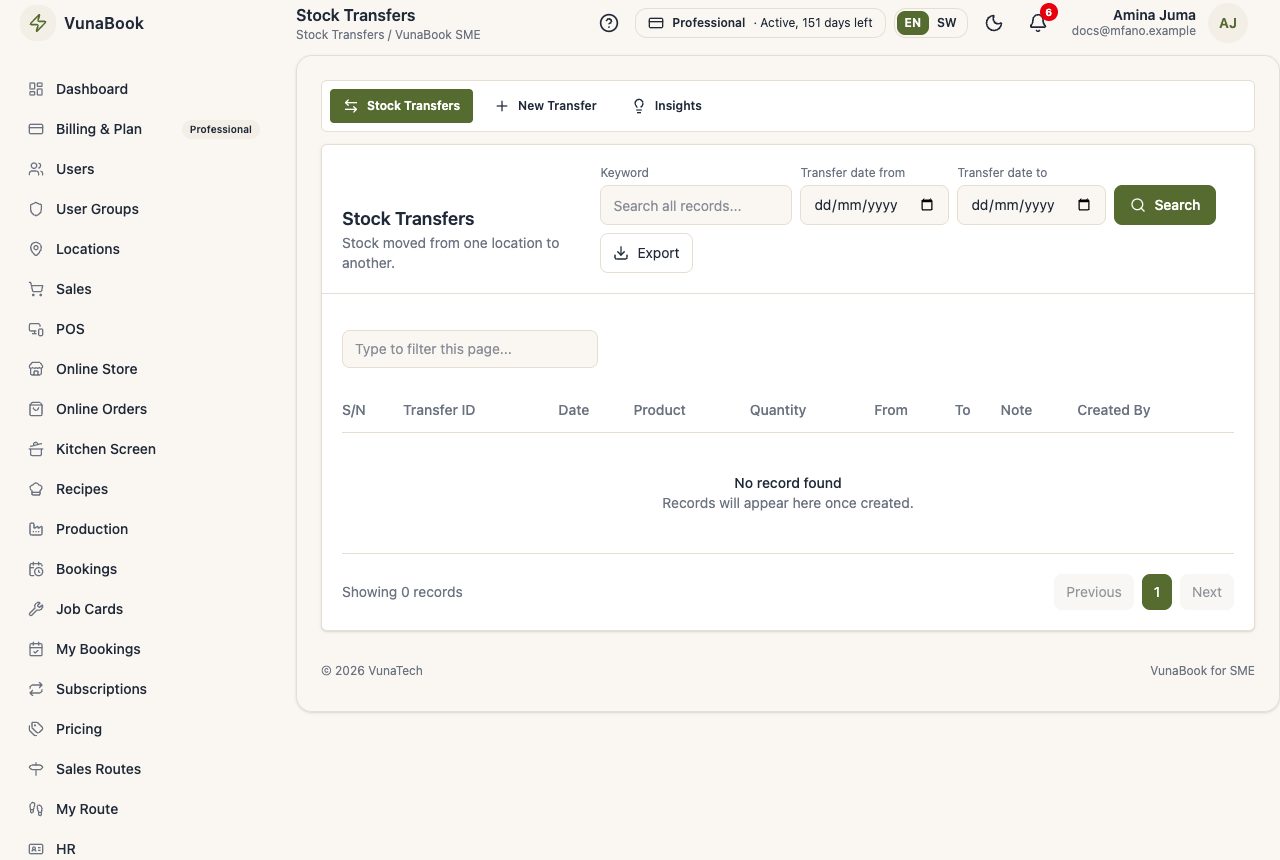
Stock Transfers → New Transfer: choose the location it leaves and the one it goes to, add the products and quantities, and save. The stock goes down at one and up at the other, and both keep the history.
Received at the other end
On New Transfer (for those who manage the company) or Warehouse → Settings, tick Transfers are received at the other end. Then:
- The stock leaves when the transfer is saved, and the transfer is In Transit. The receiving location is alerted. Add the vehicle or driver if you like.
- When it arrives, someone at that location opens On the Way, counts it and types the quantity that arrived (and the bin it goes to).
- What did not arrive is written off there as Lost in transit, with the reason, and the books record the loss. The sender is told.
A transfer not received yet can be cancelled: the stock goes back where it left. Products with serial numbers ask for the numbers sent; at the other end, tick those that arrived.