Stock
Stock Counts
Count the stock on the shelves, see the differences and approve them into the stock.
Last updated 29 Oct 2026
Count
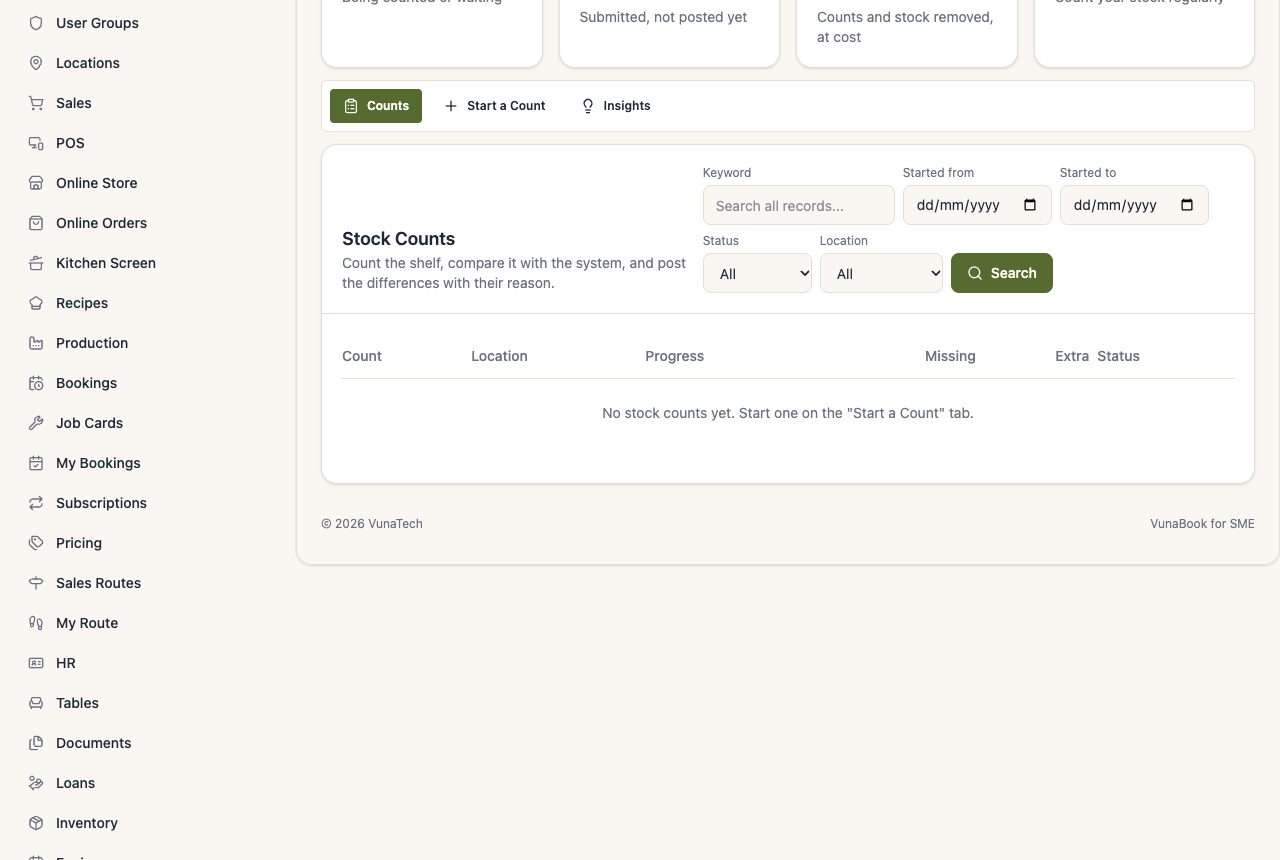
- Stock Counts → Start a Count: choose the location and the products (all, a category ...). Choose a blind count if the counters should not see the system quantity. With Warehouse Management, you can count one bin: the sheet has only what that bin holds.
- Print the count sheet or type the counts on the screen.
- Submit it. A manager gets an alert.
Approve
The manager sees each difference (more or less than the system) with its value, gives a reason, and posts it: the stock is corrected and the books record the loss or gain.