Your Account
Settings and Language
Your own settings: language, rows per page, first page, and dark mode.
Last updated 28 Oct 2026
Settings holds the choices of each user (they do not change anything for other users).
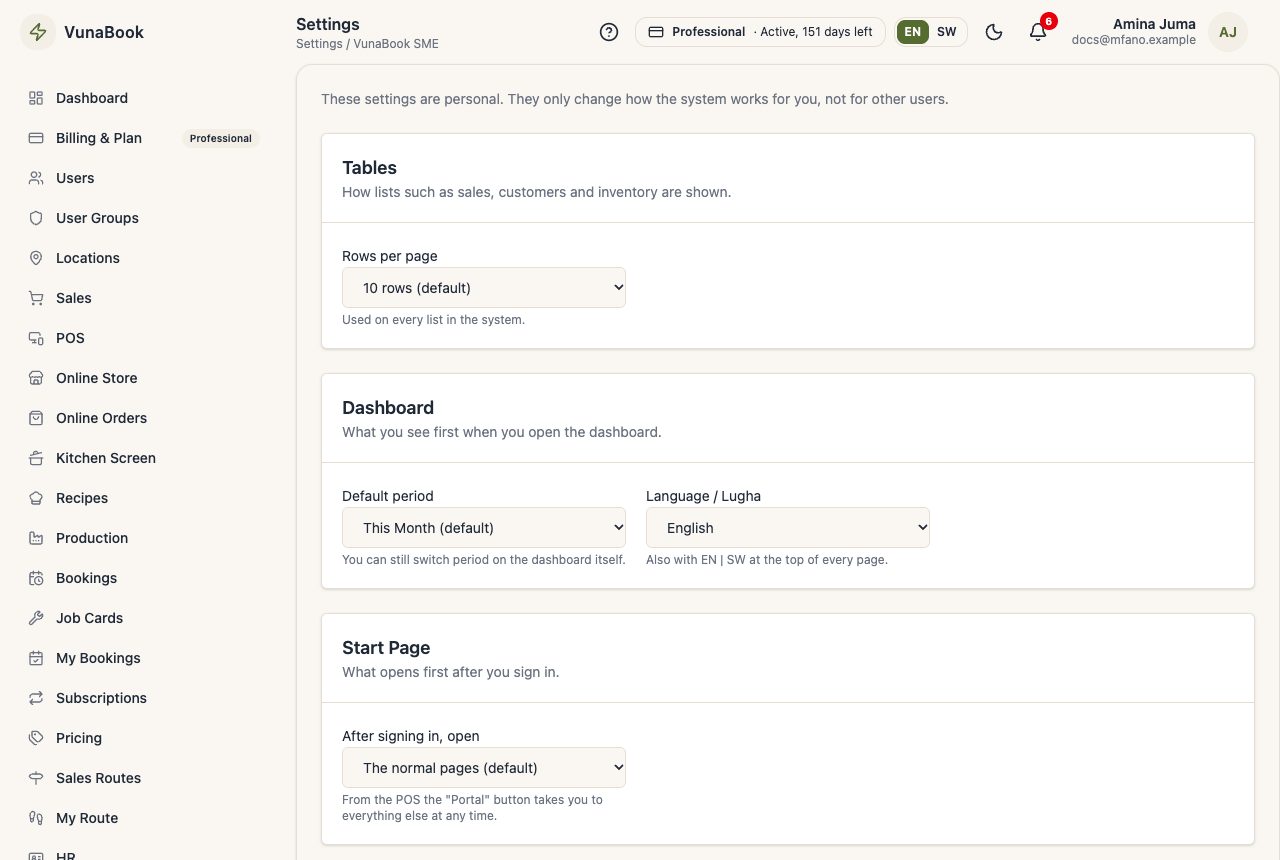
Your choices
- Language: English or Kiswahili. You can also switch with EN | SW at the top of every page, and on the sign-in page.
- Rows per page of the lists, the first page after you sign in, and the period the dashboard opens with.
Dark mode
The moon / sun button at the top switches between light and dark.
Kiswahili
VunaBook shows its pages in Kiswahili when you choose SW, this help centre included. Receipts, invoices, the online store and papers for customers stay in English.