Getting Started
Dashboard
The first page: today's sales, money in, stock, alerts and cards for every feature you use.
Last updated 23 Oct 2026
The dashboard is a summary of the business for the period you choose: Today, This Week, This Month, This Year or All Time.
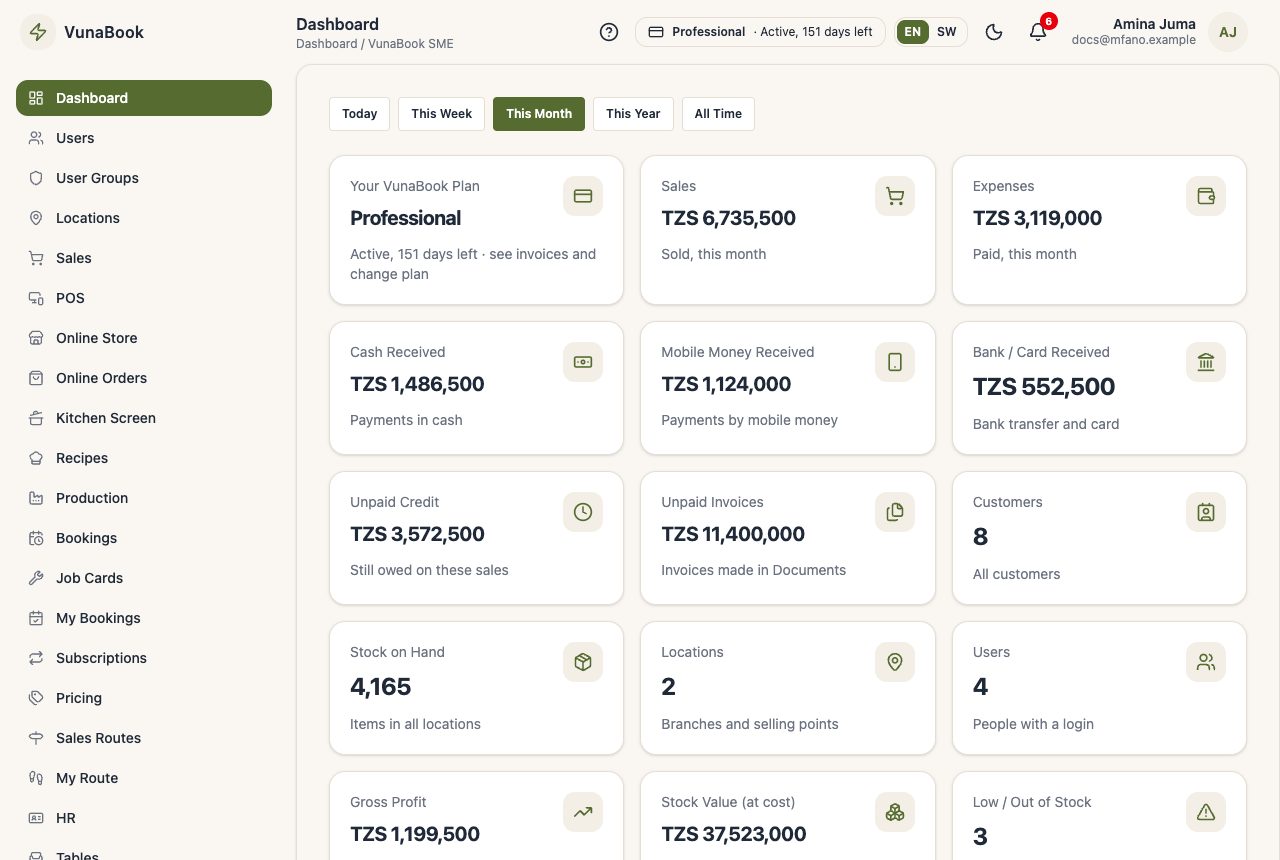
The cards
- Sales, expenses, cash, mobile money and bank received in the period.
- Unpaid credit: what customers still owe you.
- Stock: products low or out of stock, and the value of the stock.
- One or more cards for each feature you switched on: open POS orders, bookings today, trips on the road, ongoing projects, equipment service due and so on.
Press a card to open the page behind it.
Choose what is shown
The owner or a manager chooses which cards the company sees in Company Profile → Dashboard. Each user only sees the cards their permissions allow.
What's New
When VunaBook adds a feature, a short note appears at the top of the dashboard. See what's new opens the full list. See What's New.