Selling
Sales
Record a sale, take cash, mobile money, bank or credit, print the receipt and follow up what customers owe.
Last updated 23 Oct 2026
Record a sale
- Open Sales → New Sale.
- Search the customer (or leave it as a walk-in customer).
- Search and add the products; change the quantity, unit (piece, carton ...) or price if you are allowed.
- Choose how the customer pays: Cash, Mobile Money, Bank / Card, or a mix, or leave part on credit with a due date.
- Save. Print or share the receipt.
The stock goes down by itself, and the money goes to the right account (see Money and Cash Book).
Prices that apply by themselves
The sale uses the customer's price list, any running promotion and vouchers and loyalty points. See Prices, Promotions and Loyalty.
The sales list
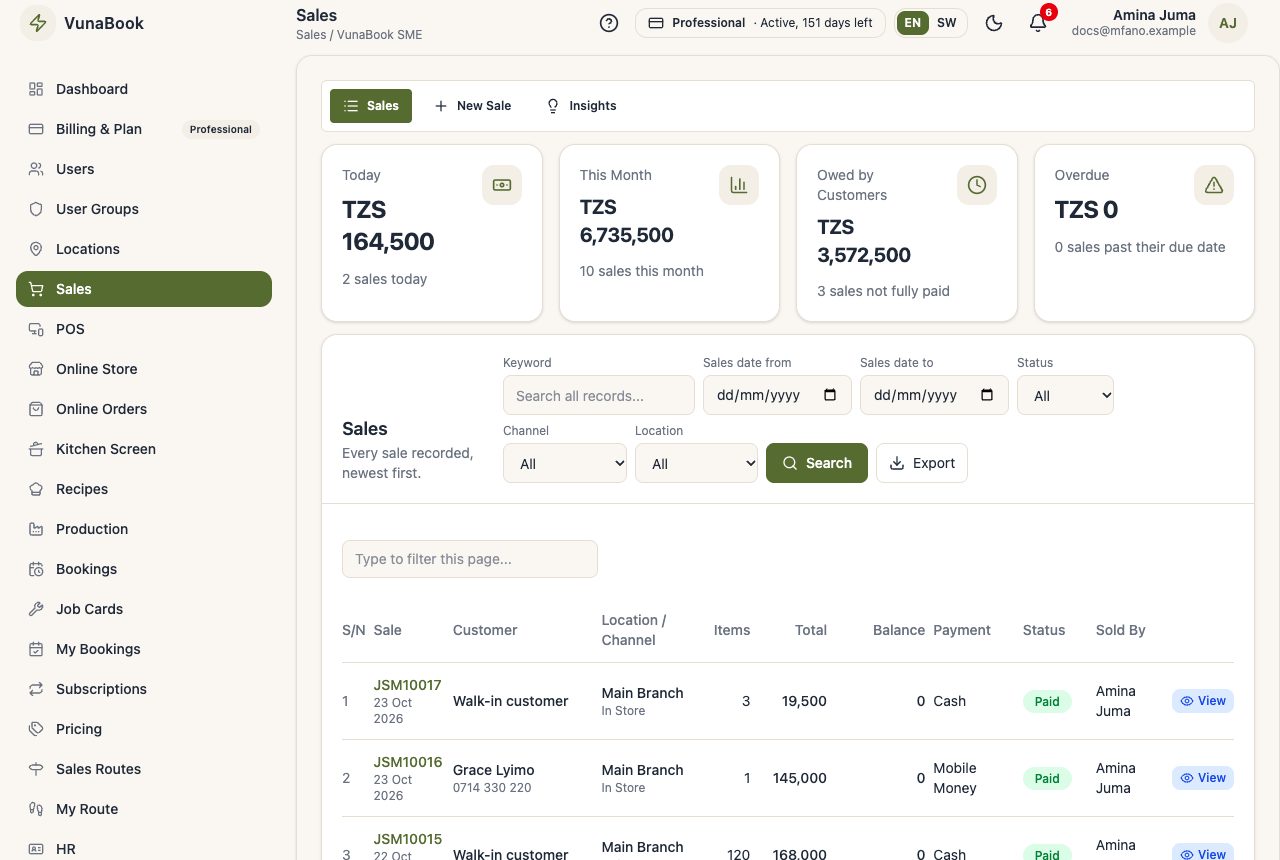
Sales shows every sale with its status (Paid, Partially Paid, Unpaid, Overdue), with search and date filters. Open a sale to:
- receive a payment on what is still owed,
- print the receipt again,
- void it (with permission): the stock and money are put back.
Insights
Today and this month, best sellers, the busiest hours and customers who owe the most.
Customers who owe
Sales on credit stay in Unpaid credit until paid. Customers late to pay appear in the alerts every morning. Send a statement from the customer's page (see Customers).