Getting Started
Users and Groups
Invite your staff, put them in groups and choose exactly what each group may see and do.
Last updated 23 Oct 2026
Every person who uses VunaBook has their own login. What they may do comes from the groups they belong to.
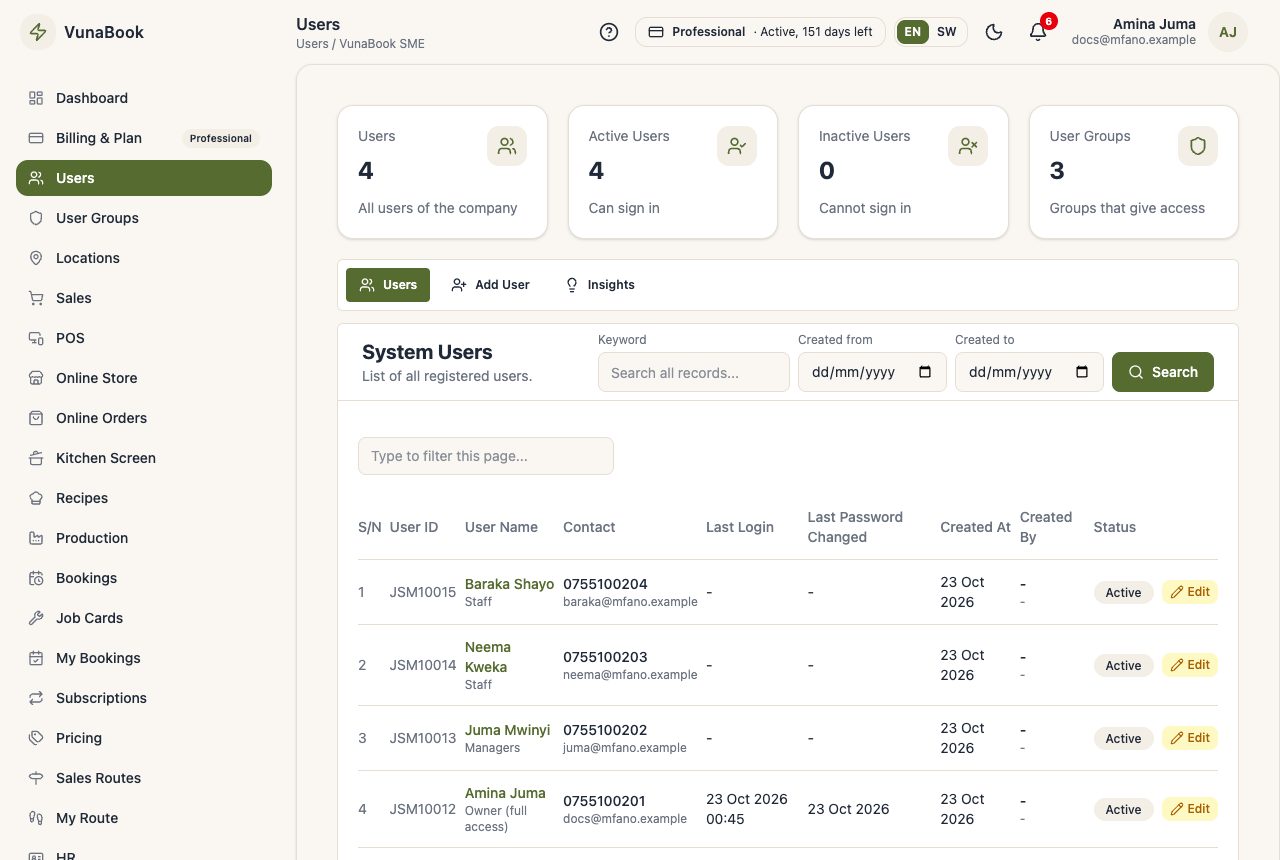
Add a user
- Open Users → Add User.
- Fill in the name, email (used to sign in) and phone. The password is optional: leave it empty and the user chooses their own.
- Choose their groups and locations, then save.
- VunaBook emails the user where to sign in, their email, and a link to choose their password (it works once, for 48 hours; opening it also confirms their email). The password is never sent by email.
Lost the email, or the link ran out? In the list, a user who has never signed in has a Sign-in email button to send it again. They can also press Forgot password? on the sign-in page.
Your plan sets how many active users you can have. Deactivate a user who left; their history stays.
Groups and permissions
User Groups lists your groups (a new company starts with Administrators, Managers and Staff). Open a group to tick its permissions, grouped by module: Sales, Stock, Money, Reports, Projects and so on. A user in several groups gets all their permissions.
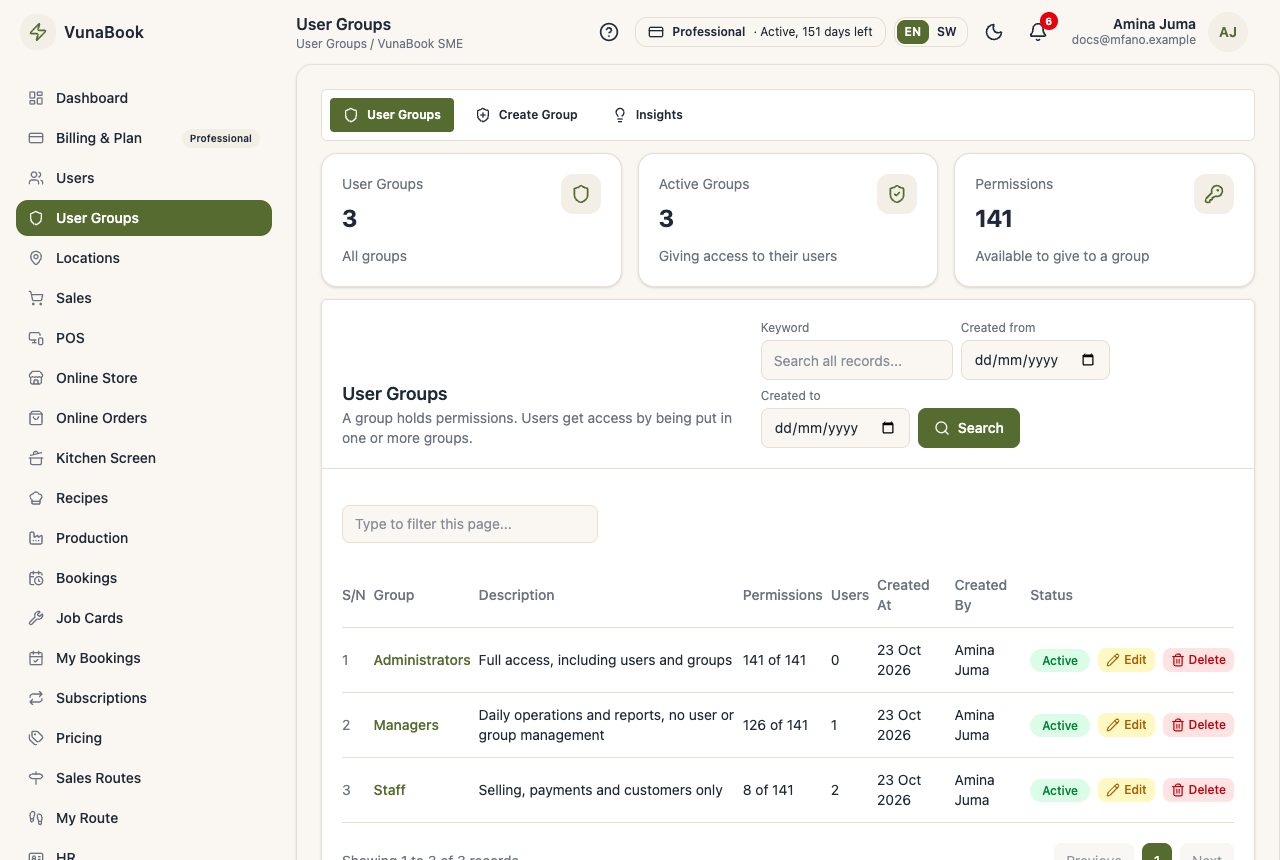
The owner of the company always has every permission.
Data access
Besides permissions, a user can be limited to their own records or their locations, for example a cashier who only sees their own sales.
One sign-in at a time
A user signed in on a new device is signed out of the old one. See Security for two-step login.